
Launcher Switch for TV
Makes the launcher you installed your TV’s home screen. One button puts the original back.
Android TV · Google TV
-
Coming soon Google Play
Who it’s for
People who installed a new launcher on their Google TV or Android TV, and want Home to open it.
What it does
-
Home, startup and Back to home all open the launcher you chose.
-
A guided setup, right on the TV. You don’t need a computer.
-
Nothing changes until you confirm, and the app shows you exactly what will.
-
One button brings your TV’s own home screen back.
Screenshots
-
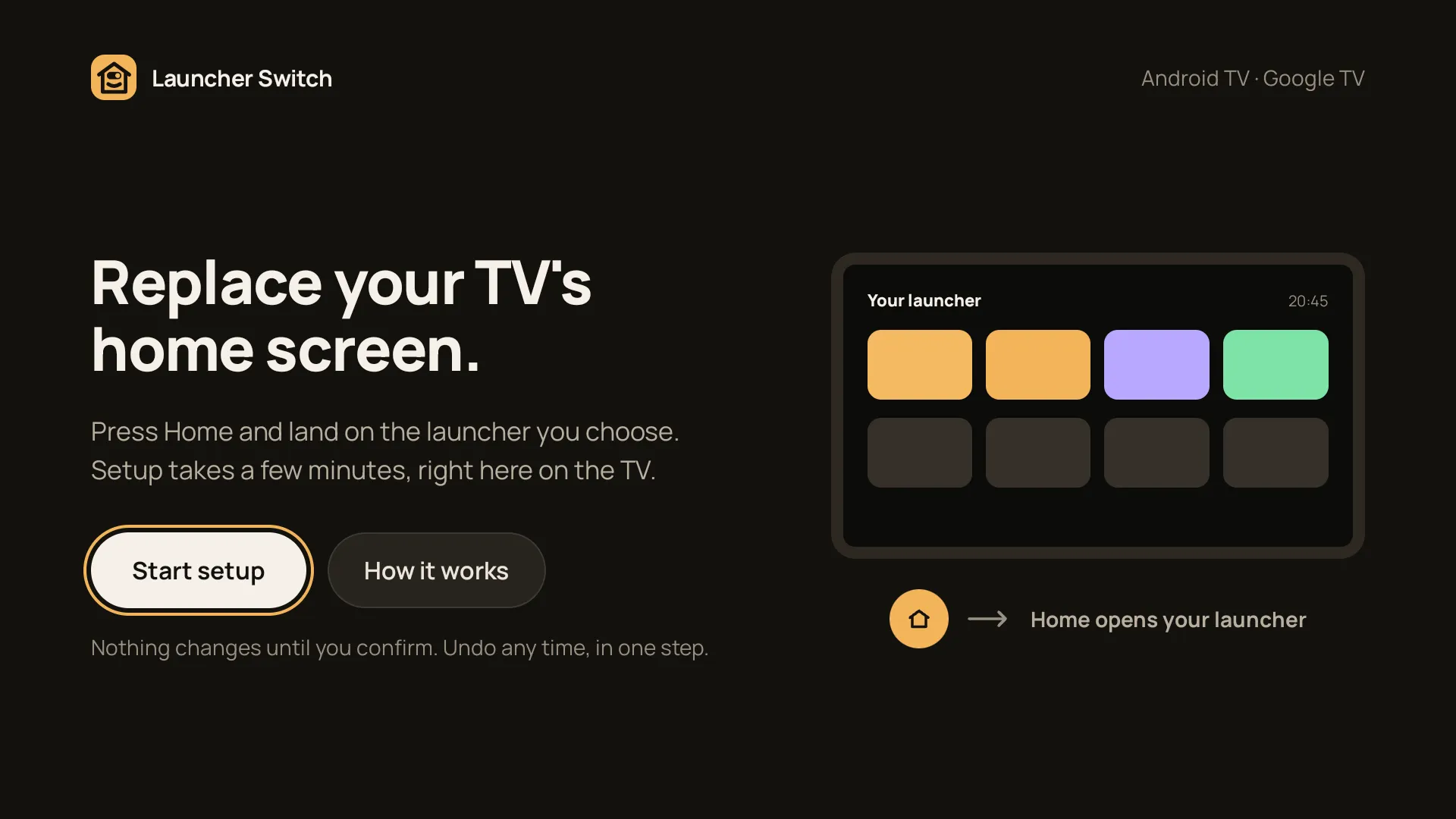
Start on the TV -
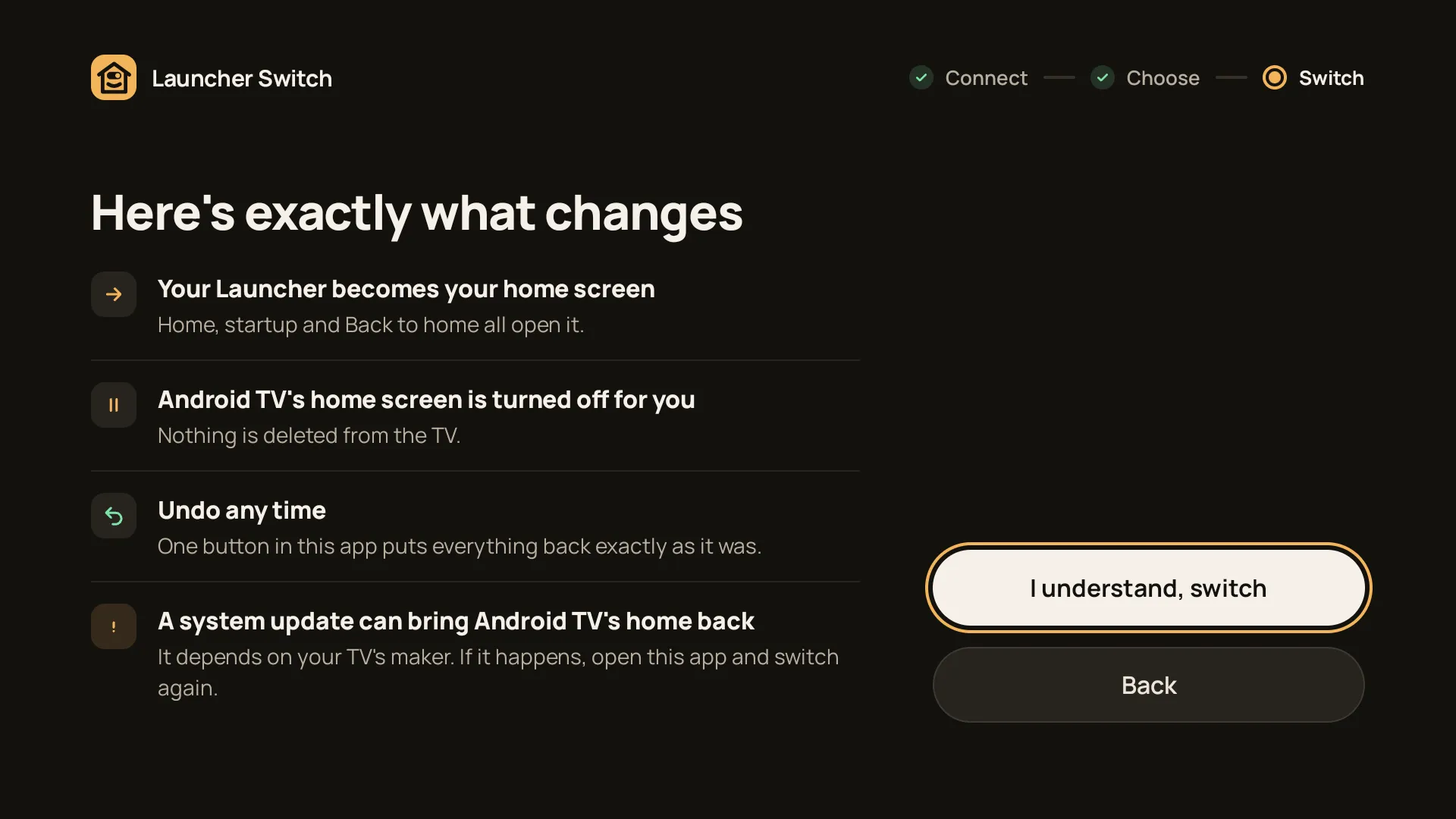
What changes, before you confirm -
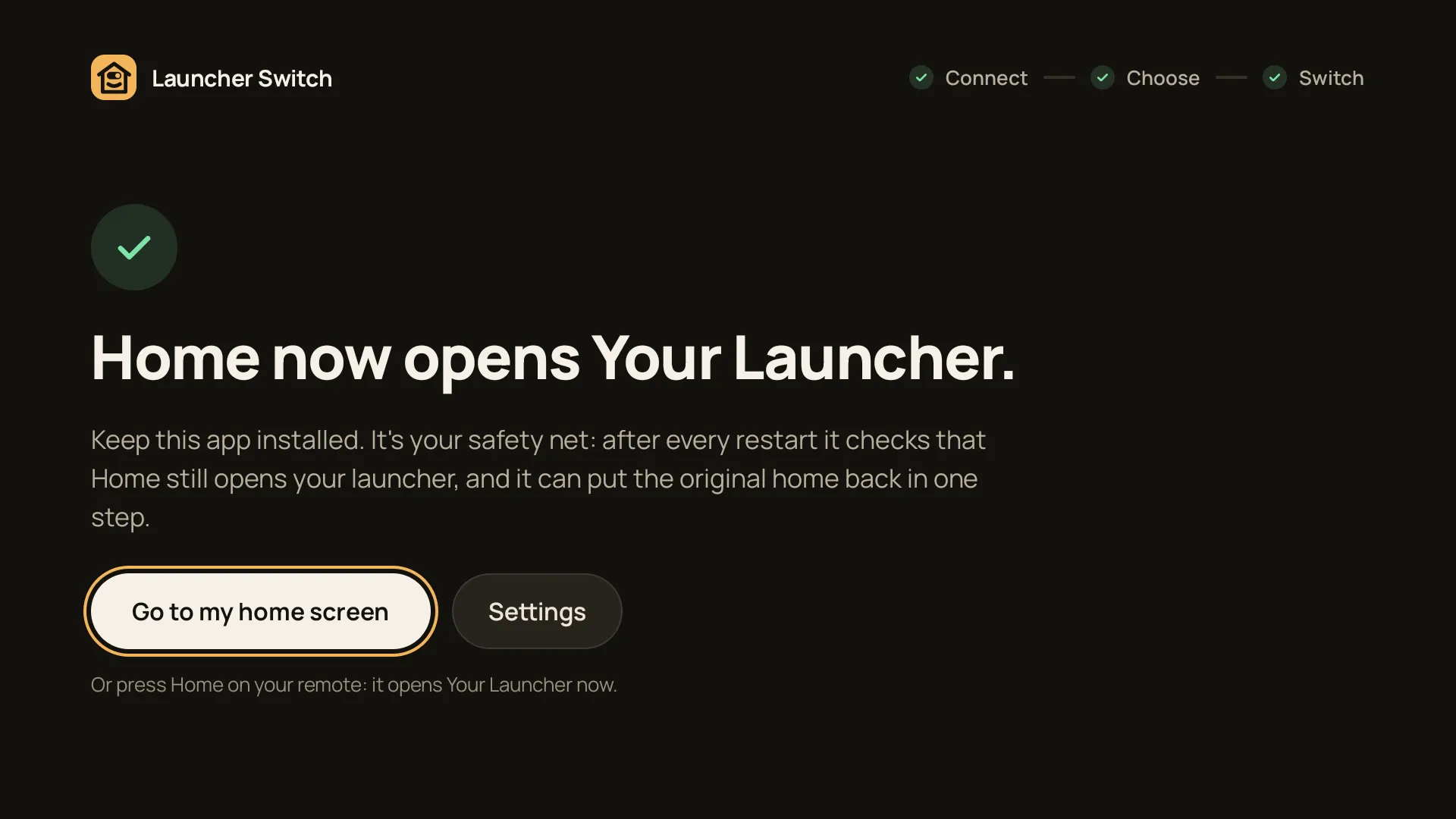
Done: Home opens your launcher -
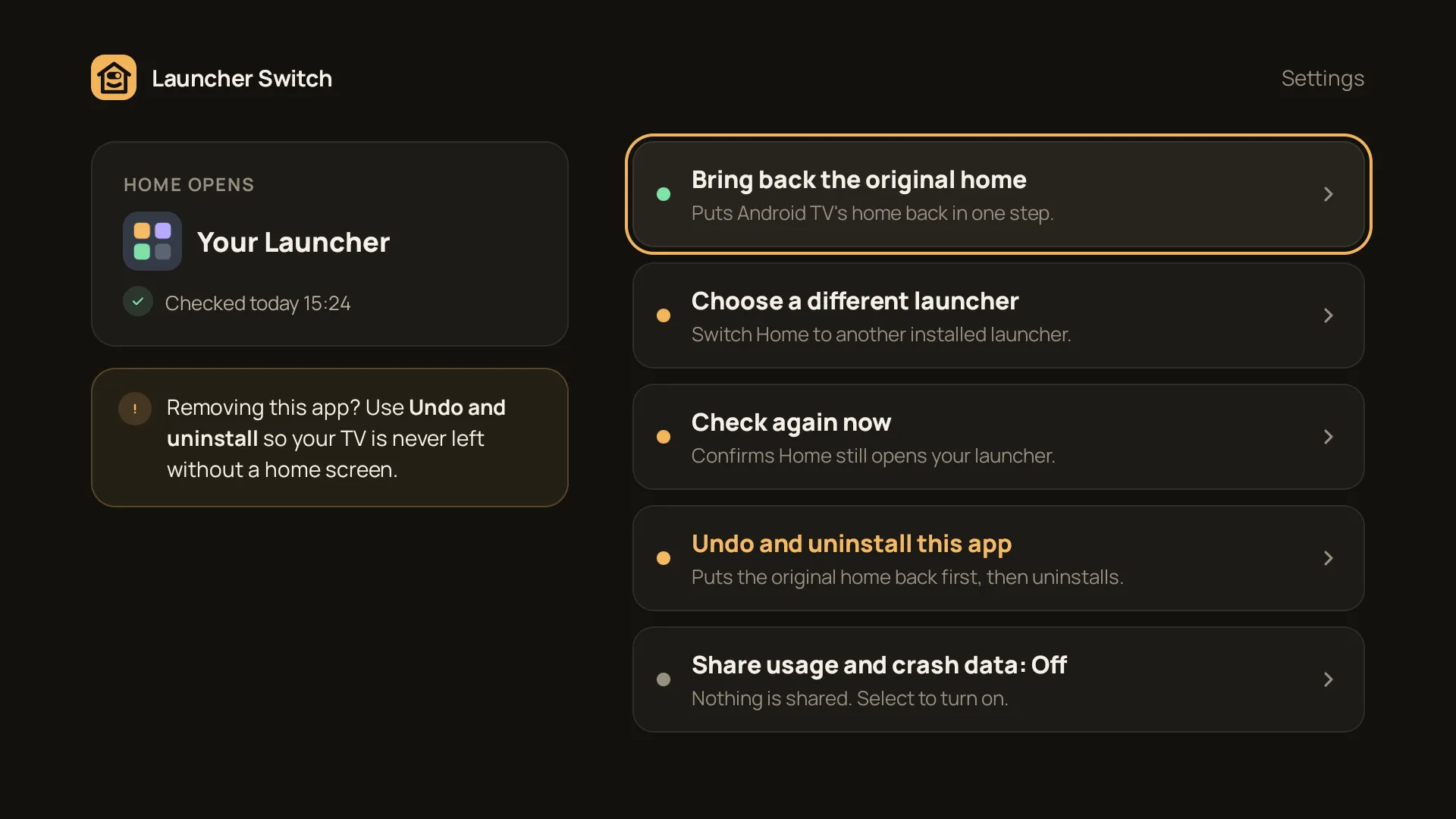
Undo in one step
The story
Some TVs keep opening their own home screen, even after you install a launcher you like better. Launcher Switch is a small app for that one job: Home opens the launcher you chose, and one button puts everything back as it was.
We made it with what we learned building TV Control for Parents for the same TVs. It has no ads and no account.
What we’re doing now
It’s in testing on Google Play now, in six languages. It comes out when testing is done.
Get it
Launcher Switch for TV
-
Coming soon Google Play